Choose what your row number means
Before you begin, decide whether the displayed number is the row you are about to work or the row you have just completed. Either can work; consistency matters. Write your convention in the project notes.
Count a repeat only when it is complete
A repeat may contain several rows, or describe a sequence across a row. Use the independent repeat control for the unit your pattern specifies. Finishing a row should not automatically change this count unless that is what your instructions mean.
Place the guide where your eyes return
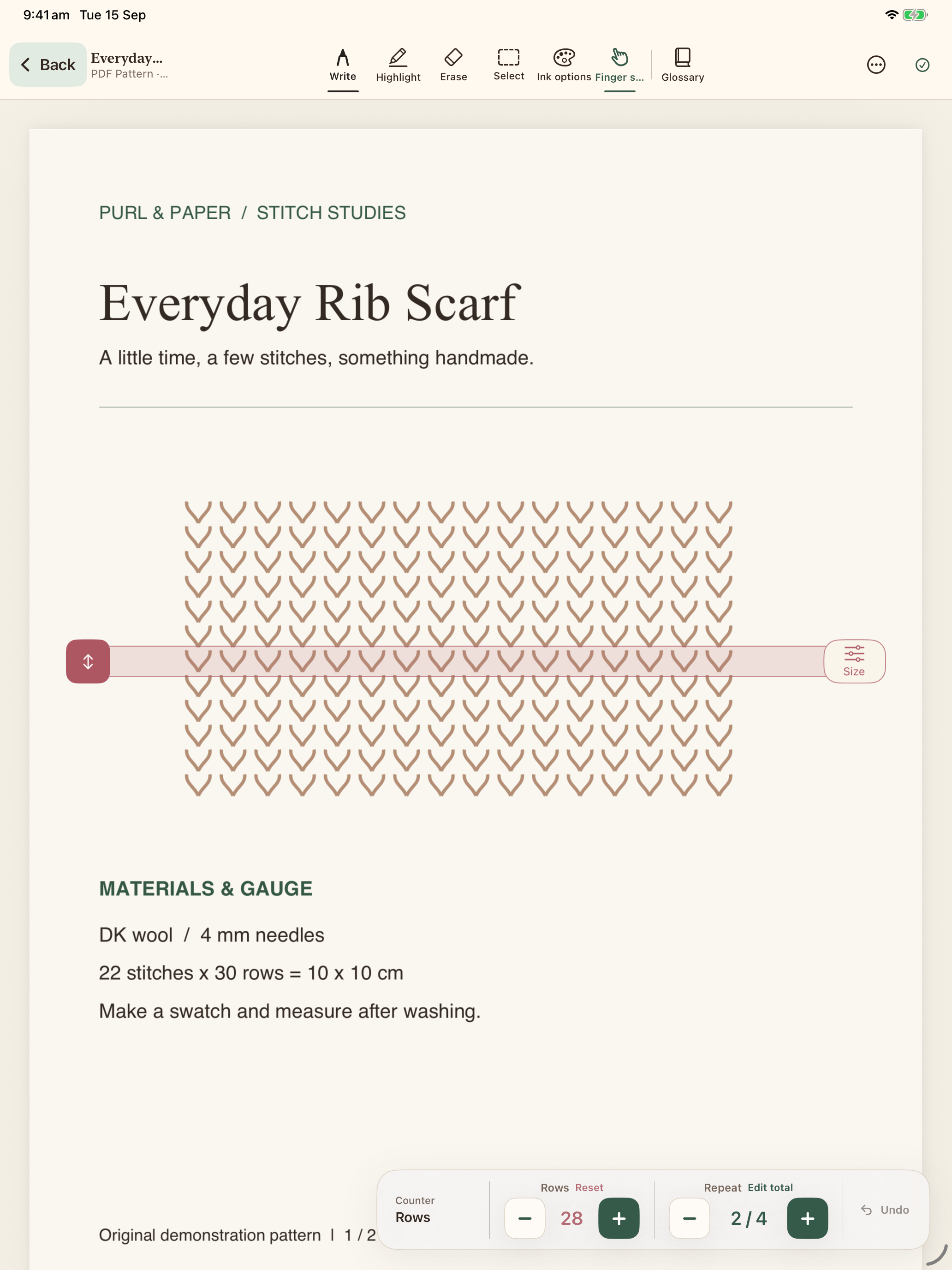
Turn on the row guide and move it to the line or chart area you are following. Adjust its size to suit the page. The guide is a visual marker, not a calculation of your knitting progress.
Build a small end-of-row habit
Finish the row, adjust the row counter, then check whether you also completed a repeat. If you did, adjust the repeat counter separately. When beginning a new section, record the old count in your notes before resetting rows to zero.
Leave a useful stopping note
Before putting the project down, write something concrete: “Row 12 complete; begin row 13 on the wrong side.” Record shaping or colour changes too. The next time you open the project, compare your note with the fabric before continuing.
Correct the record when plans change
If you undo knitting, decrement the relevant counters to match what remains. Moving the guide alone does not change counts. Use a backup when moving the library to another device; automatic device sync is not available in version 1.0.
This guide covers the current release. Your imported pattern’s instructions remain the source of truth for the project.
See it in the app